設定
設定
 迅速な配送
迅速な配送
 送料は無料
送料は無料
 Incoterms
 お支払い方法


 マーケットプレイス製品


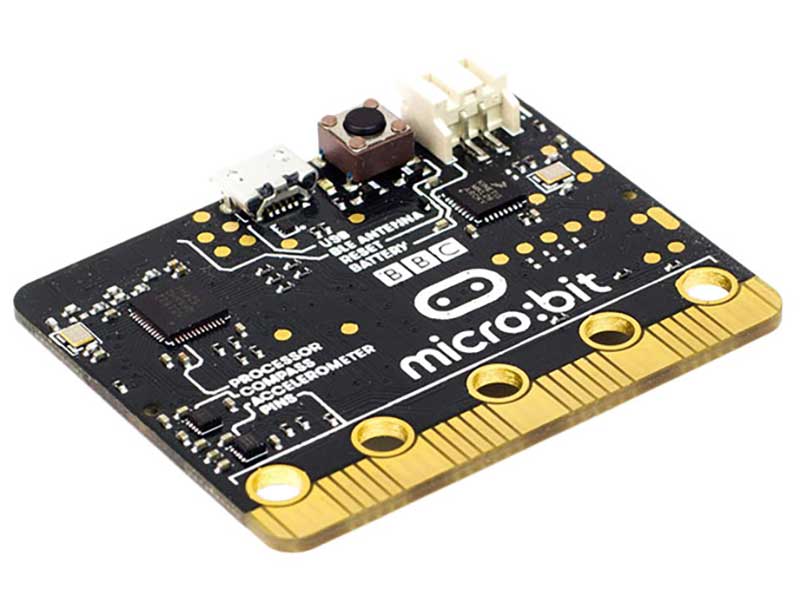
4 Lessons to Get You Started with the micro:bit
The micro:bit is the perfect tool for getting students (or anyone!) interested in digital technology. It’s pretty straightforward and there are a lot of fun things you can do with it! Try these lessons below on for size and you’ll be mastering the micro:bit in no time!
Lesson 1: Using the Built-in Sensors
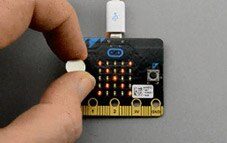
In this lesson you will learn how to use the micro:bit's accelerometer to make a simple movement-activated alarm. You will also learn how to use the micro:bit's magnetometer chip to detect the presence of a magnet.
Click here for the complete lesson
Lesson 2: Controlling LEDs on Breadboard
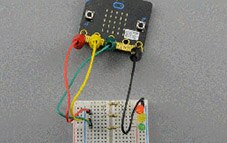
In this lesson, you will learn how to connect a micro:bit to a solderless breadboard as well as how to turn an LED on and off, control its brightness, and also use three LEDs to make a traffic signal.
Click here for the complete lesson
Lesson 3: NeoPixels with micro:bit
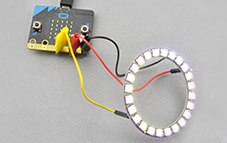
NeoPixels (addressable LEDs) are a great way to easily create colorful displays using strips of LEDs or LEDs arranged in a circle like the NeoPixel ring used in this lesson.
Click here for the complete lesson
Lesson 4: Sensing Light
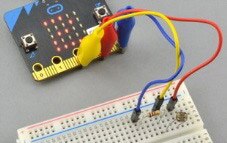
In this guide, you will learn how to sense the light level using a micro:bit.
Click here for the complete lesson
Be sure to check out all 4 of these great lessons from Simon Monk (and much more!) in the Adafruit Learning System in the Adafruit blog!
著者について

ソーシャルメディアマーケティングスペシャリストのJenn Tosoは、ソーシャル全般を専門にしています。DigiKeyでソーシャルメディアチームの熱心なメンバーとして、DigiKeyのソーシャルメディアチャンネルではブログ投稿、情報共有、ツイートなどを行っています。Jennの情熱はメイカー/STEM(サイエンス、テクノロジ、エンジニアリング、数学)コミュニティに注がれており、今日の若者こそが、すべての人にとっての明るい未来実現の鍵を握っていると彼女は考えています。Jennはビジネスの理学士号、インターネットマーケティングの修士号を取得しています。彼女はホッケーママでもあります。余暇には、新たに見つけた興味であるウェアラブルテクノロジを探究したり、ホッケー全般に情熱を傾けたりしています。通常は何らかのタイプのソーシャルメディアかホッケー会場でJennを見かけるでしょう。時にはその両方を同時に楽しんでいることもあります。

Have questions or comments? Continue the conversation on TechForum, Digi-Key's online community and technical resource.
Visit TechForum