Maker.io main logo
TUTORIAL
1,144

TPL5110 Nano Power Timer Hookup Guide

By SparkFun Electronics

In this tutorial, we'll discuss how the time is set with the on board six DIP switch and use a microcontroller to turn it off when a task is finished.

TUTORIAL
555

SparkFun ProDriver and Mini Stepper Motor Driver Hookup Guide

By SparkFun Electronics

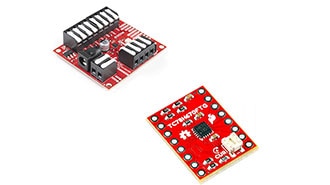
SparkFun ProDriver and Mini Stepper Motor Driver utilize the latest TC78H670FTG stepper motor driver from Toshiba. With two different methods for control (serial communication or clock-in stepping) this is a great option for your next project that requires precise motor control.

PROJECT
718

Fading with the MOSFET Power Switch and Buck Regulator

By SparkFun Electronics

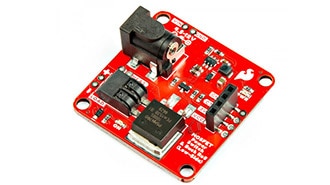
This tutorial will guide you through using the SparkFun MOSFET Power Switch and Buck Regulator (Low-Side) with your Arduino projects.

PROJECT
40

Qwiic Digital Desk Sign with MicroMod

By SparkFun Electronics

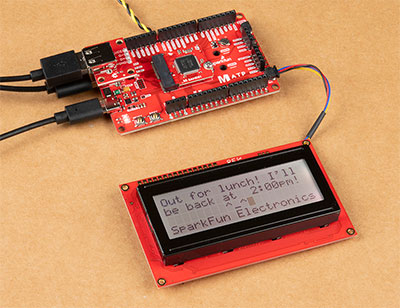
To help notify others of where I may be, I made the Qwiic-enabled digital desk sign using the SAMD51's USB host and a USB keyboard to type short custom messages while I am away!

PROJECT
648

Basic Servo Control for Beginners

By SparkFun Electronics

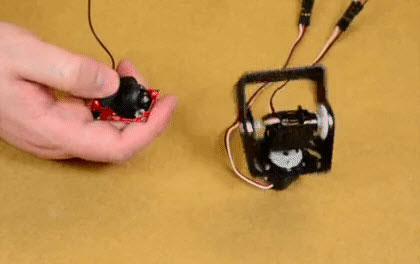
We will cover some basics of controlling servos with code using the Arduino IDE and Python, and provide an example that requires no programming at all.

PROJECT
163

Live Spotify Album Art Display

By SparkFun Electronics

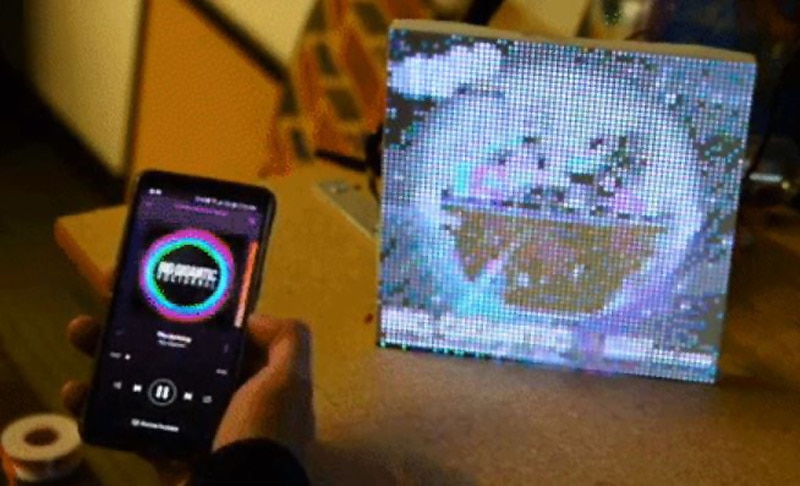
In the past couple weeks I've been experimenting with LuMini Rings and RGB Matrix Panels. Some interesting examples to make them really pop.

PROJECT
189

Enable your Teensy with a Colorful LED Display Shield

By SparkFun Electronics

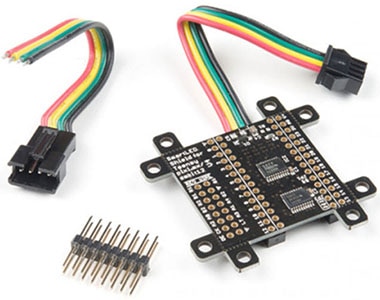
Knock out your next design with a colorful LED Matrix display that can make designing easier with moving RGB LEDs built into a cost effect panel.

PROJECT
99

Light Up Your 3D Printer's Bed

By SparkFun Electronics

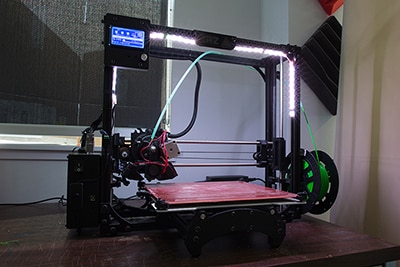
In this tutorial, we will be using a LED strip to light up the print bed on a LulzBot 3D printer!

PROJECT
81

Addressable LED Neon Flex Rope Hookup Guide

By SparkFun Electronics

This tutorial will show you how to connect, power, and control the LED segments with an Arduino.