If you want to learn to code, learning to write games is a great way to get started, and our new hand held gamer has everything you need right now and it also has the connectivity for everything you might need tomorrow.
For the budding Roboteer, learning how to add and control actuators is a key skill. In this guide, we are going to take a look at our servo driven Klaw actuator,* and show you how to control it via code.
This Pedestrian Crossing project was submitted to us by Thomas Stratford. Thomas started this project to try out the pre-written code that came with the IET Pedestrian Crossing resource. The aim is to use the BBC micro:bit to develop a prototype for a pedestrian crossing for a local secondary school.
For day six of our 12 Makes of Christmas we made a cut-out winter cabin, which we lit with a ZIP Halo for BBC microbit. Follow our step by step guide and build your own.
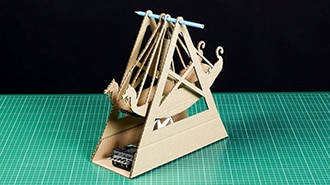
Follow along with Emma and learn how to make your own. We've kept ours plain but it's the perfect platform for a spot of decoration. Let's get making...
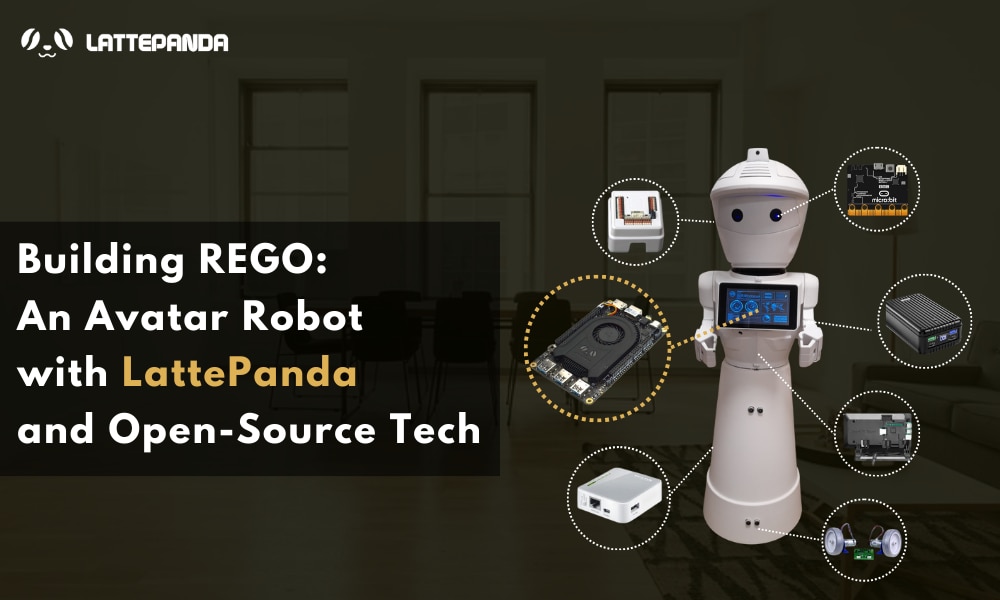
Discover REGO, an affordable and versatile avatar robot designed for remote control via an internet browser. Powered by the LattePanda 3 Delta, REGO features face recognition, obstacle detection, and mobile navigation. Perfect for educational purposes and interactive experiences, this open-source robot combines Raspberry Pi, EZ-Robot modules, and micro:bit for an engaging learning platform in robotics.
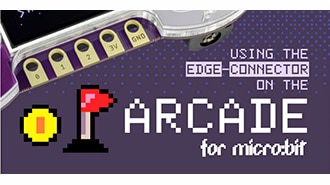
Full micro:bit edge connector support has now been added to the MakeCode Arcade editor. To highlight this, Jake from our Dev team has put together a code example to demonstrate the functionality of the micro:bit IO under Makecode Arcade.
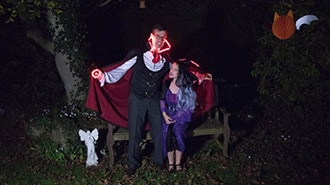
Halloween offers the perfect opportunity for some fancy dress fun. In this tutorial, we will show you how this can easily be done using the Kitronik ZIP Halo for the BBC microbit.


 設定
設定
 迅速な配送
迅速な配送
 送料は無料
送料は無料
 Incoterms
 お支払い方法


 マーケットプレイス製品