Settings
 Fast Delivery
 Free Shipping
 Incoterms
 Payment Types


 Marketplace Product

Mfr Part # A000066
ARDUINO UNO R3 ATMEGA328P BOARD
Arduino

License: GNU Lesser General Public License Bluetooth / BLE Displays Motors Arduino ESP32
In this tutorial, we will use a vibration sensor, an LED, a buzzer, a resistor, an Arduino Uno, and Visuino to make a beep when vibration is detected.
Watch the demonstration video.
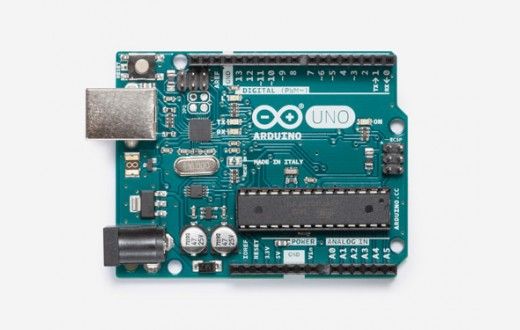
Arduino UNO (can be any other Arduino)
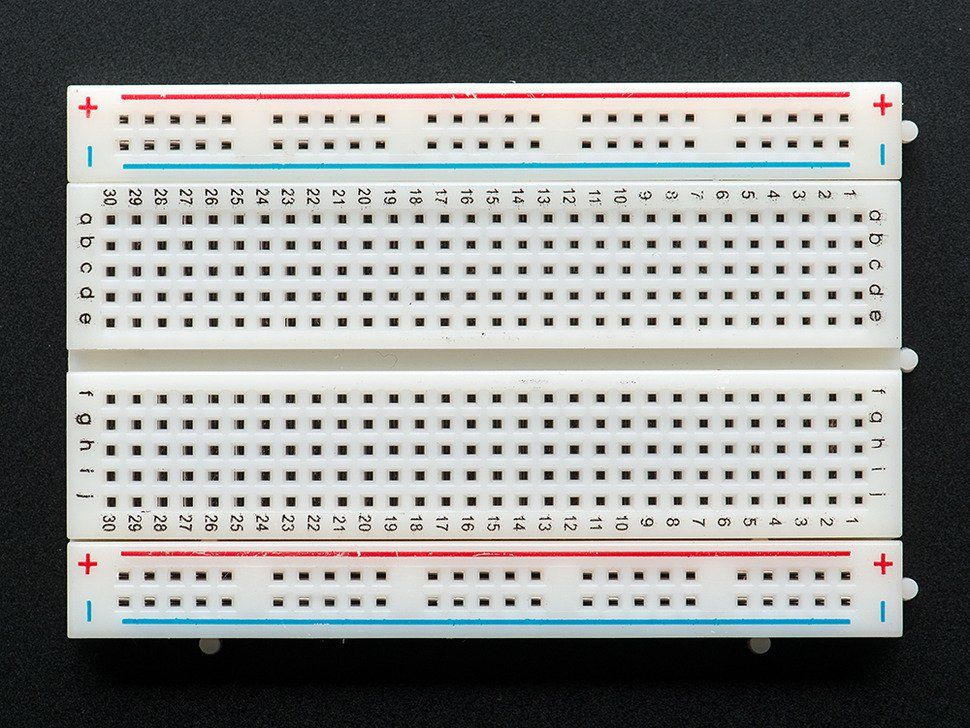
Breadboard (or breadboard shield)
Red LED (or any other color)
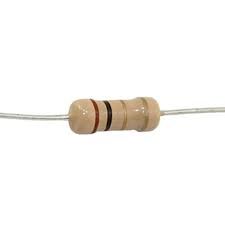
Pull-up resistor (50k ohm)
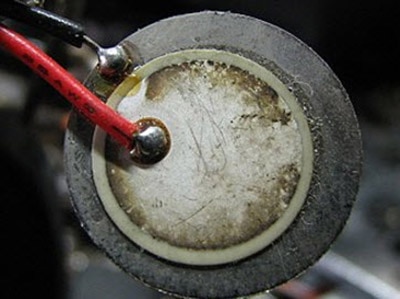
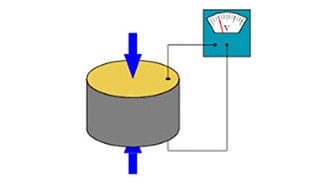
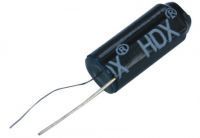
Vibration sensor
Buzzer
Visuino program: Download Visuino
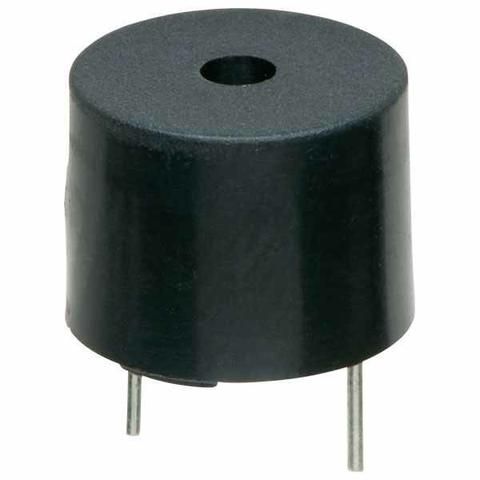
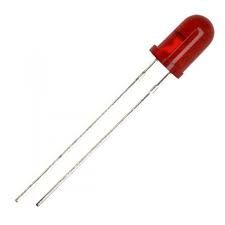
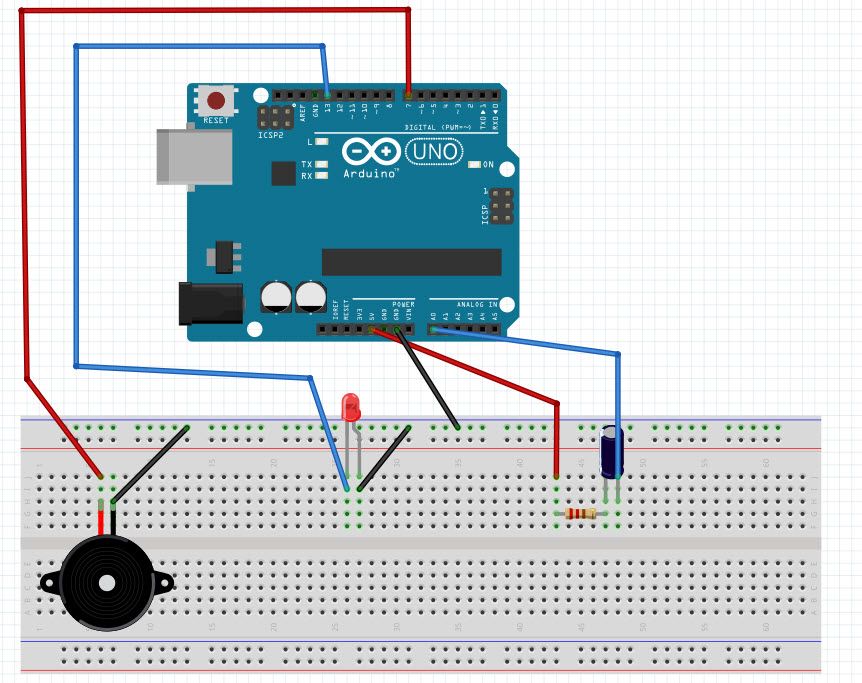
The connections are pretty easy; see the above image with the breadboard circuit schematic.
Connect GND from the Arduino to the breadboard
Connect GND to the buzzer pin (-).
Connect Arduino digital pin 7 to the buzzer pin (+).
Connect Arduino digital pin (13) to the LED pin (+).
Connect the LED pin (-) to GND
Connect the Arduino pin (5V) to the pull-up resistor
Connect the vibration sensor (pin1) to the pull-up resistor
Connect the vibration sensor (pin 2) to the Arduino Analog pin (A0)
To start programming the Arduino, you will need to have the Arduino IDE installed from here: http://www.arduino.cc/.
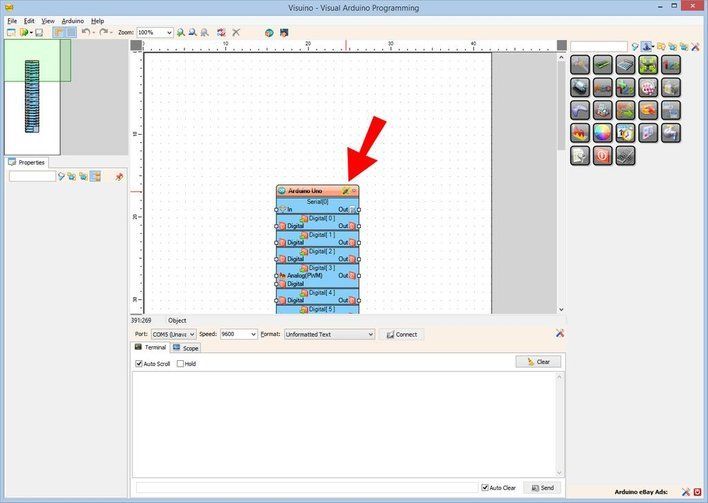
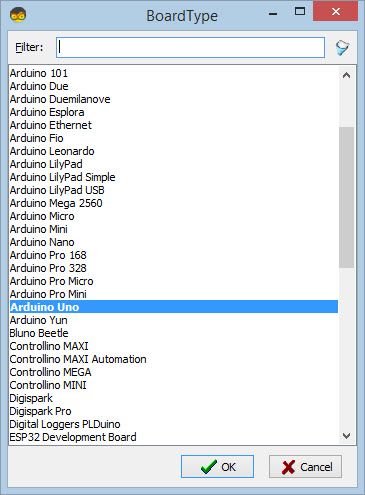
Please be aware that there are some critical bugs in Arduino IDE 1.6.6. Make sure that you install 1.6.7 or higher; otherwise, this will not work! If you have not done so, follow the steps here to set up the Arduino IDE to program the ESP8266! The Visuino: https://www.visuino.com also needs to be installed. Start Visuino as shown in the first picture. Click on the "Tools" button on the Arduino component (Picture 1) in Visuino. When the dialog appears, select "Arduino UNO" as shown in Picture 2
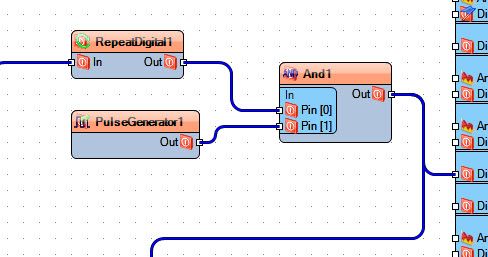
Add a pulse generator and set frequency to 1000 (it will auto-change to 1E3)
Add RepeatDigital component set count to 10
Add a Logic gate AND component
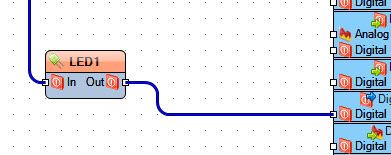
Add an LED component
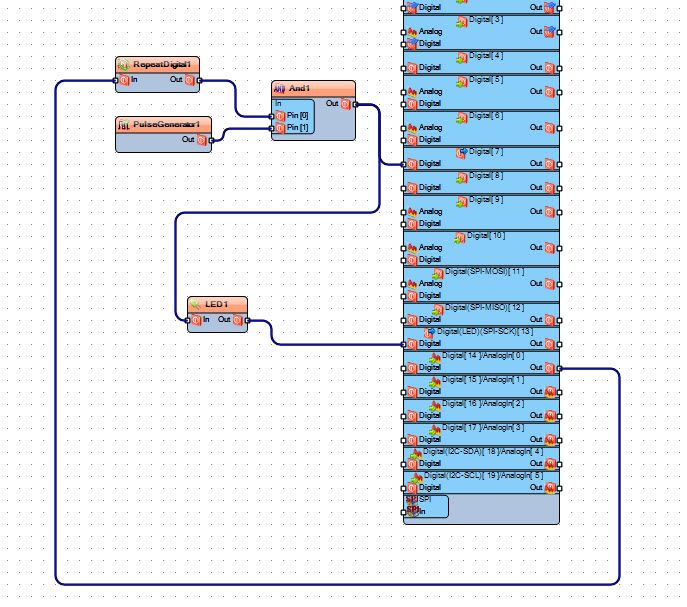
Connect RepeatDigital1 component pin[In] to Arduino Analog Out pin[0]
Connect RepeatDigital1 component pin[Out] to And1 component pin [0]
Connect And1 component pin[out] to Arduino digital pin[7]
Connect PulseGenerator1 component pin[out] to And1 component pin[1]
Connect Led1 component pin[In] to And1 component pin[Out]
Connect Led1 component pin[Out] to Arduino Digital pin[13]
If you power the Arduino UNO module, the Buzzer will BEEP, and the LED will blink if you shake the vibration sensor.
Congratulations! You have completed your vibration sensor project with Visuino. Also attached is the Visuino project that I created for this. You can download and open it in Visuino: https://www.visuino.com